Draw by Pixel
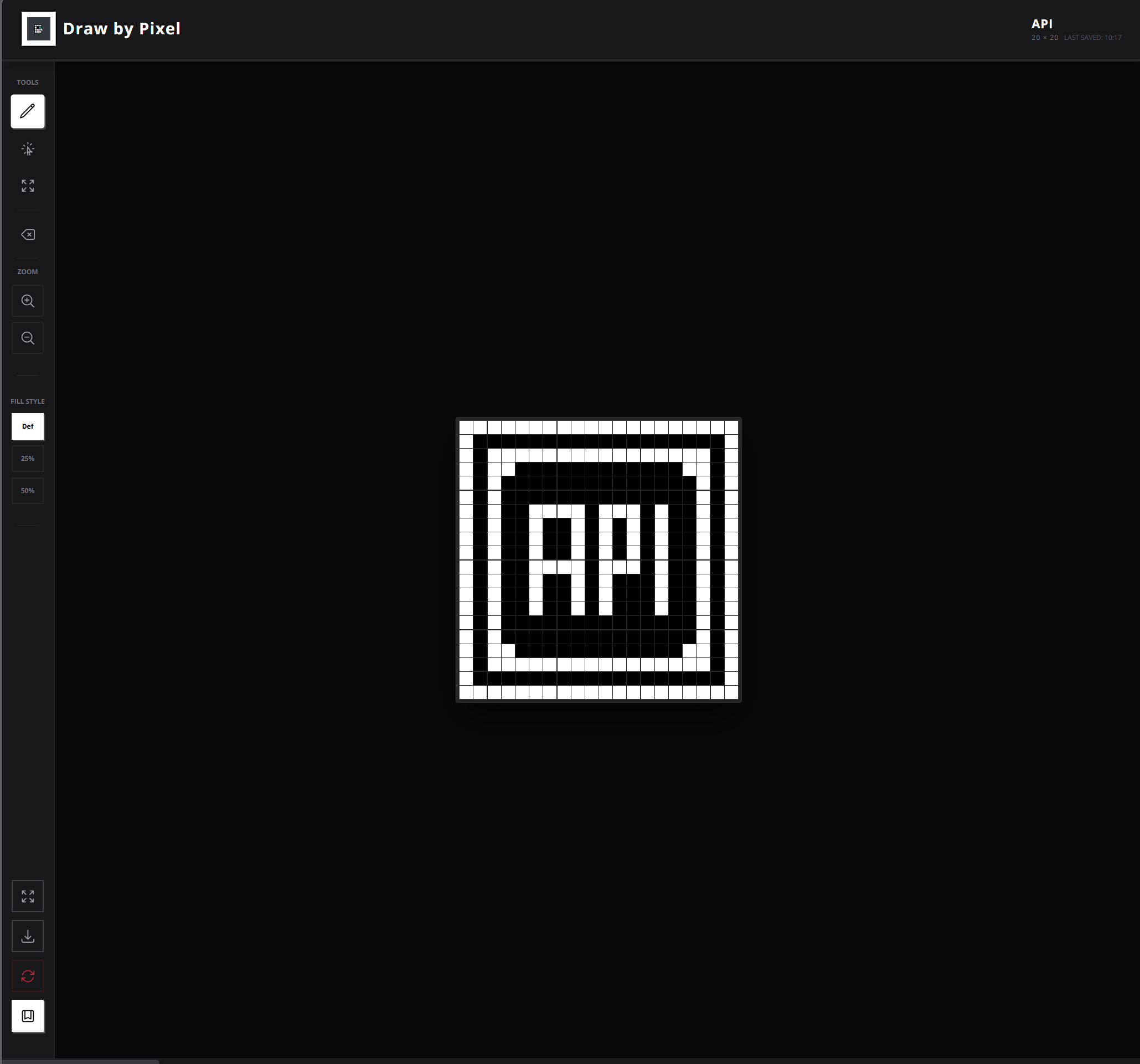
Pixel Paint is an interactive browser-based drawing application that lets users paint pixel art directly in the browser. Instead of freehand drawing, this tool uses a grid of pixels where each cell acts like a “paintable” square. The user can: ✔ Click to color a pixel ✔ Change colors from a palette ✔ Draw pixel art easily and precisely ✔ Clear canvas / start over This type of tool is similar to classic pixel art editors like MS Paint but focused on grid-based pixel painting. 🖌️ How It Works Grid Display The app shows a grid (e.g., 16×16, 32×32, etc.). Each cell in the grid represents one pixel you can color. Color Palette A set of colors you can choose from. Clicking a color selects your current brush color. Canvas Interaction Click (or drag across) grid cells to paint. Each click fills that cell with the selected color. Some implementations include click-and-hold drawing or mouse drag. Controls Clear/Reset: Erase the whole canvas and start fresh. Optionally: Save your artwork (depending on feature set). 🧠 What the App Teaches / Shows This project demonstrates several core skills: 🎯 DOM manipulation Generating and updating the pixel grid dynamically via JavaScript. 🎨 Event handling Clicking, dragging, and color selection interactions. 🧩 State management Keeping track of current brush color, grid size, and painted cells. 📐 UI Design Simple canvas-type interface Intuitive painting controls 📌 Why It’s a Cool Project Pixel Paint is fun, simple, and interactive — and works well as a portfolio piece because: ✅ It provides real-time interaction ✅ It’s visually rewarding to use ✅ It scales (you can add more features) ✅ It’s a clear demonstration of front-end skills 💡 Possible Enhancements (Optional Ideas) If you want to expand this project over time, you could add: ✨ Save art as PNG ✨ Undo/redo ✨ Custom grid sizes ✨ Gradient or custom color picker ✨ Pixel fill (bucket tool) ✨ Click + drag multi-pixel painting 📌 In Simple Terms Pixel Paint is a simple pixel art drawing tool that lets users paint on a grid, choosing colors to create art one square at a time — like digital cross-stitching.
Engineered With